
Holiday Cybersecurity: 5 Security Habits Your Team Should Keep
Cybersecurity habits can slip during the holidays, but that does not mean your employees are being careless. They are working in different conditions. So are you.
People are wrapping up projects, planning travel, using PTO, checking email from different locations, and trying to keep customers and coworkers happy. That creates a different risk environment than a normal workweek.
Before holiday travel and time off begin, give your team a short security reset. Not another generic reminder to “remember your training.” Make it specific to what they are likely to face right now.
Here are five practical reminders to share with your team.
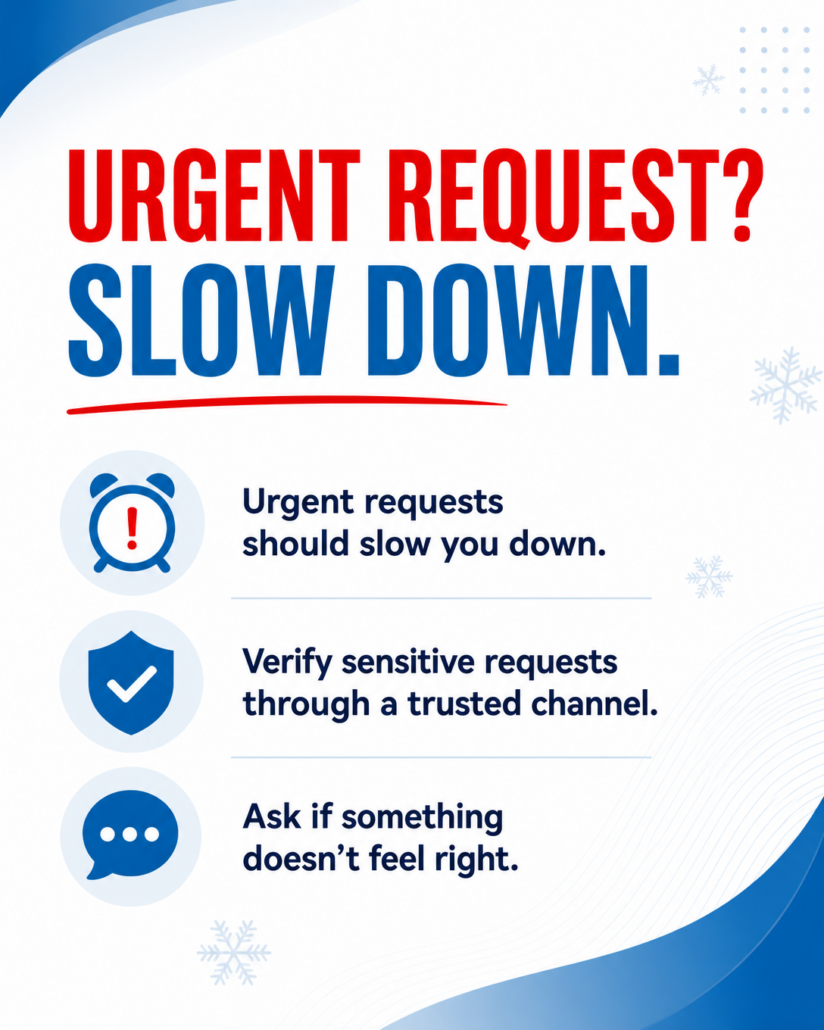
1. Slow down when something wants you to hurry
Urgency is one of the oldest scam tactics, and it works especially well during the holiday rush.
When everyone is trying to finish tasks before taking time off, an urgent request can feel normal.
You may see messages like:
“Can you take care of this real quick before you head out?”
“Payment is needed by end of day.”
“I’ll be out the next two days. I need you to handle this before I’m back.”
When everything already feels urgent, fake urgency does not stand out as easily. That is exactly what attackers are counting on.
The goal is to push someone into acting before they think. The more pressure there is to hurry, the more important it is to stop and verify that the request is real.
2. Verify the quick favor
During busy seasons, most employees want to be helpful. They want to respond quickly, solve problems, and keep work moving.
That is a good instinct, but it can create risk when a request involves sensitive information, payments, account access, customer data, or internal systems.
Any request for sensitive information should be verified.
If the request appears to come from someone you know, contact that person through a trusted method. Call them, send a message through your normal internal platform, or use another approved channel.
Do not simply reply to the suspicious message.
If the request comes from a customer, vendor, or someone you cannot confirm, follow your company’s approved process. Employees should not have to guess what to do.
Taking an extra minute to verify a request is always better than responding a minute faster and putting the business at risk.
3. Do not let convenience take over when you travel
Travel creates more opportunities for risky shortcuts.
Employees may work from airports, hotels, cafes, family homes, or other public places. That does not mean they cannot get work done. It does mean they need clear rules for connecting securely.
Public Wi-Fi, personal devices, and unapproved apps can all increase risk.
Before people leave for the holidays, remind them of your remote work expectations:
Which devices are approved for work?
What systems can be accessed from a personal device, if any?
When should employees use a VPN or secure remote access tool?
Which apps and file-sharing tools are approved?
Who should they contact if access is not working?
Shadow IT is also a concern during travel-heavy periods. Shadow IT means employees are using apps, platforms, or services that have not been approved by the company.
This often happens for convenience. Someone needs to send a file quickly, join a call, or access a document on the road. If the approved tool is inconvenient or unavailable, they may look for another option.
That is why clear guidance matters. Employees should know what tools are approved and what to do when those tools do not meet the moment.
These precautions are not meant to punish travel or PTO. They are meant to account for how work actually happens during the holidays.
4. Think before you click the holiday bait
Holiday inboxes are noisy.
Employees may see emails about shipping updates, travel plans, gift purchases, order confirmations, discounts, event invitations, and account alerts.
Attackers know this. They design phishing emails to blend in with the season.
Common examples include:
Shipping update: Your package is arriving soon
Travel itinerary attached
Confirmed: Your order has been purchased
Holiday discount for valued customers
Account issue with your payment method
In a crowded inbox, it is easy to click before thinking. You may not even notice that you did not place an order, book a trip, or request an update.
Even when an email looks familiar, check it carefully. Look at the sender, the link destination, and the request being made.
Better yet, go directly to the known website or provider instead of clicking the link in the email.
Phishing depends on people moving too fast. A few seconds of hesitation can prevent a much bigger problem.
5. Know who to ask when something feels off
Every security reminder comes back to this: employees need to know where to go when something does not look right.
Even careful employees will run into situations they are not sure how to handle. The answer cannot be “try your best.”
Make the process clear:
Who should employees contact if they receive a suspicious email?
How should phishing messages be reported?
What should someone do if they clicked a suspicious link?
Who handles suspected account compromise?
What is the process after hours or during PTO coverage?
These questions often involve more than one person. They may require coordination between the employee, IT, security, leadership, and outside vendors.
That is why the process should be defined before something happens.
Knowing when to ask and who to ask is one of the most important cybersecurity habits your team can build.
Your team probably does not need another hour-long training
A long security training session the week before the holidays is probably not what your team needs.
They are busy. They are closing out projects. They are covering for coworkers. They are preparing for travel and time off.
Keep the message short, practical, and relevant.
Remind employees to slow down when a request feels urgent. Verify unusual requests. Follow remote work and device policies. Be careful with seasonal phishing emails. Ask for help when something feels wrong.
Leadership and IT can handle the deeper technical details. Employees need clear, simple actions they can use in the moment.
If your cybersecurity needs a quick check before holiday travel begins, we can help review remote access, device policies, approved tools, and reporting processes.
Schedule a 10-minute discovery call and let’s make sure your business is ready for the season ahead.
Call 877-807-1332 or visit www.xsolutions.com/discovery.